Custom Websites
One-page sites, full business websites, landing pages, portfolios, and editorial builds shaped around the business rather than a template.
Static, WordPress, or hybrid when the project calls for it.Beautiful, high-converting websites designed with AI and a human touch.
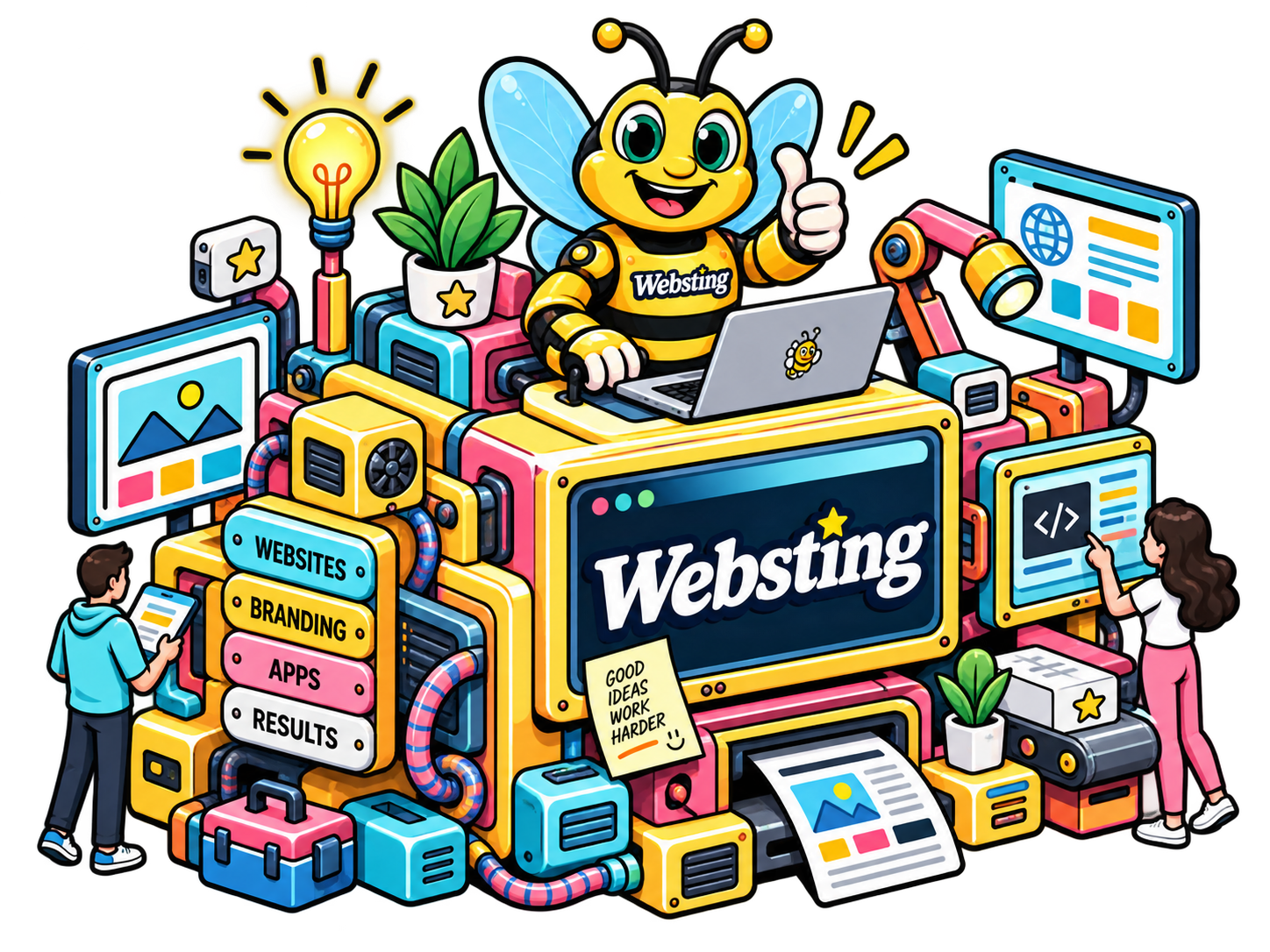
FROM IDEA TO INTERNET
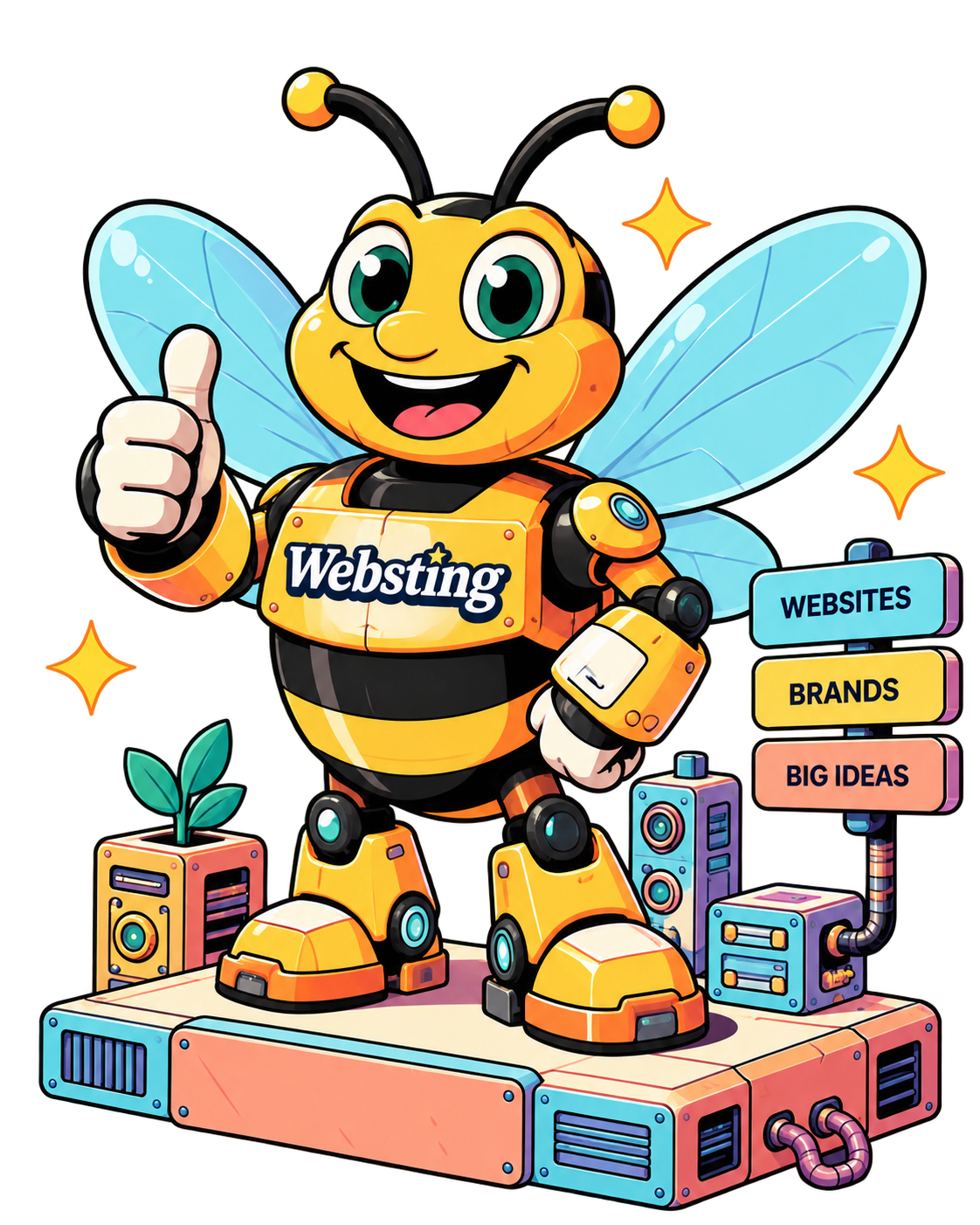
Websting designs and builds websites, branding, and custom web experiences that help small businesses look better, work smarter, and get more customers.
Creative, practical, and always built around the business behind it.
One-page sites, full business websites, landing pages, portfolios, and editorial builds shaped around the business rather than a template.
Static, WordPress, or hybrid when the project calls for it.Keep the useful parts of an existing site, rethink what is getting in the way, and rebuild it into something clearer, faster, and easier to maintain.
Content migration and structure cleanup included when scoped.Calculators, generators, guided assistants, intake experiences, and custom web ideas can be built into the site when they solve a real problem.
Useful first. Clever second.Websting can stay involved after launch with hosting, updates, maintenance, improvements, and support instead of disappearing when the site goes live.
Available as an ongoing service when needed.THREE STEPS. VERY LITTLE NONSENSE.
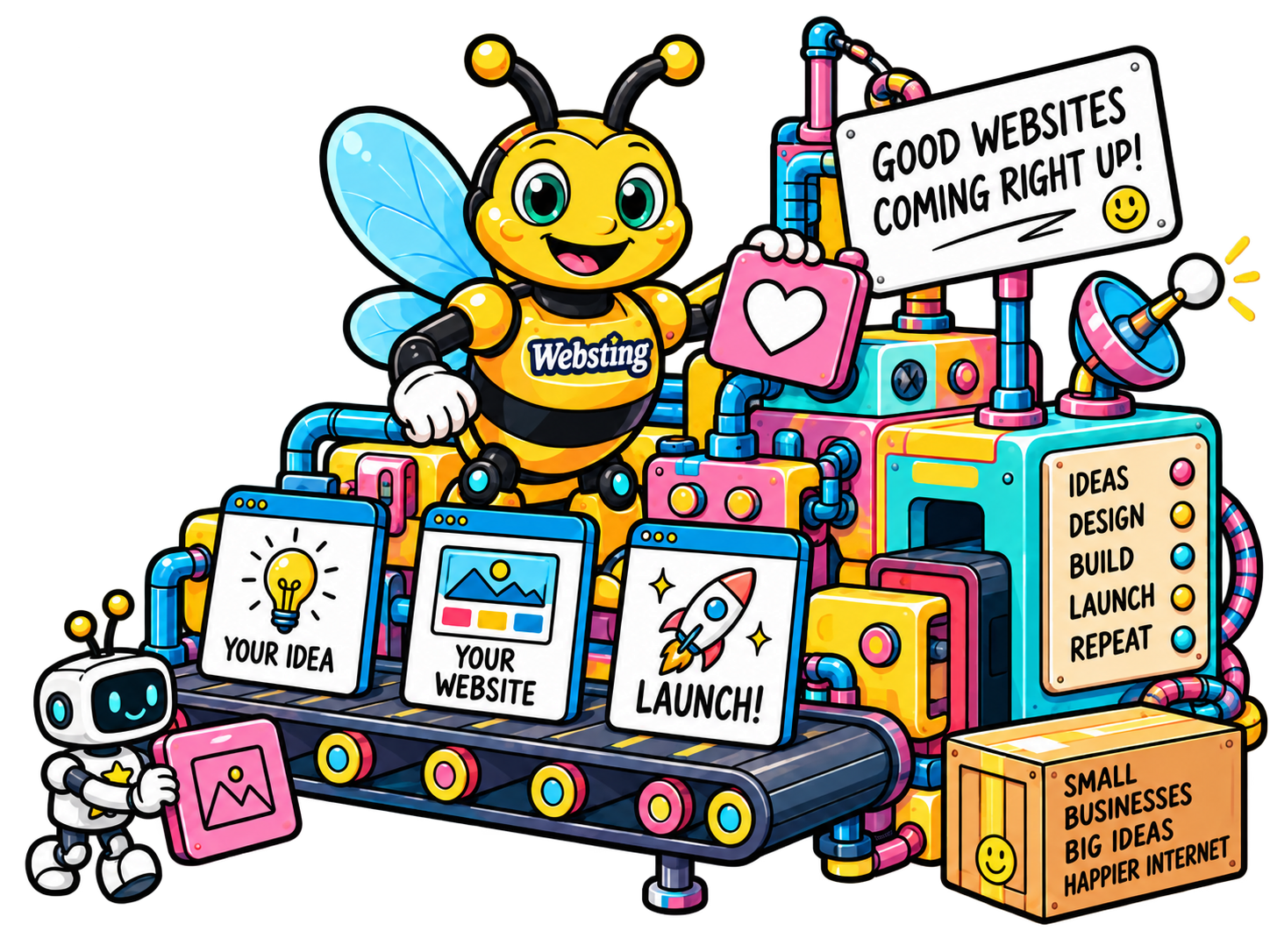
Tell us what you're building, who it's for, and what you want it to accomplish. We'll help turn the rough idea into a clear direction.
We create the visual direction, build the site, and refine it with you until everything looks right and works the way it should.

We get everything live, make sure it behaves itself, and stick around when you need updates, improvements, or another strange idea.
SIX REASONS. ONE VERY BUSY BEE.
A smarter way to build a website without making the whole thing feel like a software procurement meeting.
BEST OF BOTH WORLDS
AI helps us explore faster and handle the repetitive stuff. A real human still makes the creative calls, asks the questions, and makes sure your site actually feels like your business.
YOURS, NOT EVERYONE ELSE'S
No generic template with your logo dropped on top. We design around what you sell, who you serve, how you work, and what makes people choose you.

FAST, NOT FLIMSY
Smart tools help us move quickly without skipping the thinking. You get a polished website on a practical timeline without the usual agency marathon.

MORE WEBSITE. LESS OVERHEAD.
Great design should not require a giant agency invoice. A lean process lets us put more of the budget into the website itself instead of layers of meetings and overhead.
KEEP TWEAKING IT
If something feels off, tell us. We keep refining until the design feels right instead of making you ration feedback because you are on revision number three.
YES, WE ANSWER EMAILS
You are not hiring a faceless website generator. You work with someone who listens, explains things clearly, responds, and just happens to have some very useful robots around.
A FEW THINGS FROM THE WEBSTING WORKSHOP
NEW TOOLS. LONGER STORY.
Archived Websting pages document website design and hosting work as early as 2003. The tools have changed a lot since then. The useful part has not: understand the business, organize the information, build the right experience, and keep it working.
THE EARLY WEB
Archived Websting pages show website design, hosting, and online technology services serving Bay Area businesses.
View the archived siteREAL PROJECTS
An archived Websting portfolio lists ten real-estate website projects, including hosting and IDX or MLS-related web work.
View the archived portfolioSAME JOB. BETTER TOOLS.
Today the toolbox includes modern static builds, WordPress, custom graphics, interactive experiences, and AI-assisted workflows.
See what Websting is buildingDifferent decade. Same obsession with making the website useful.
REAL PROJECTS. WEIRD IDEAS. GOOD WEBSITES.
Some are real businesses. Some are experiments that got slightly out of hand. All of them are built to explore what a website can look like when it stops trying to look like every other website.
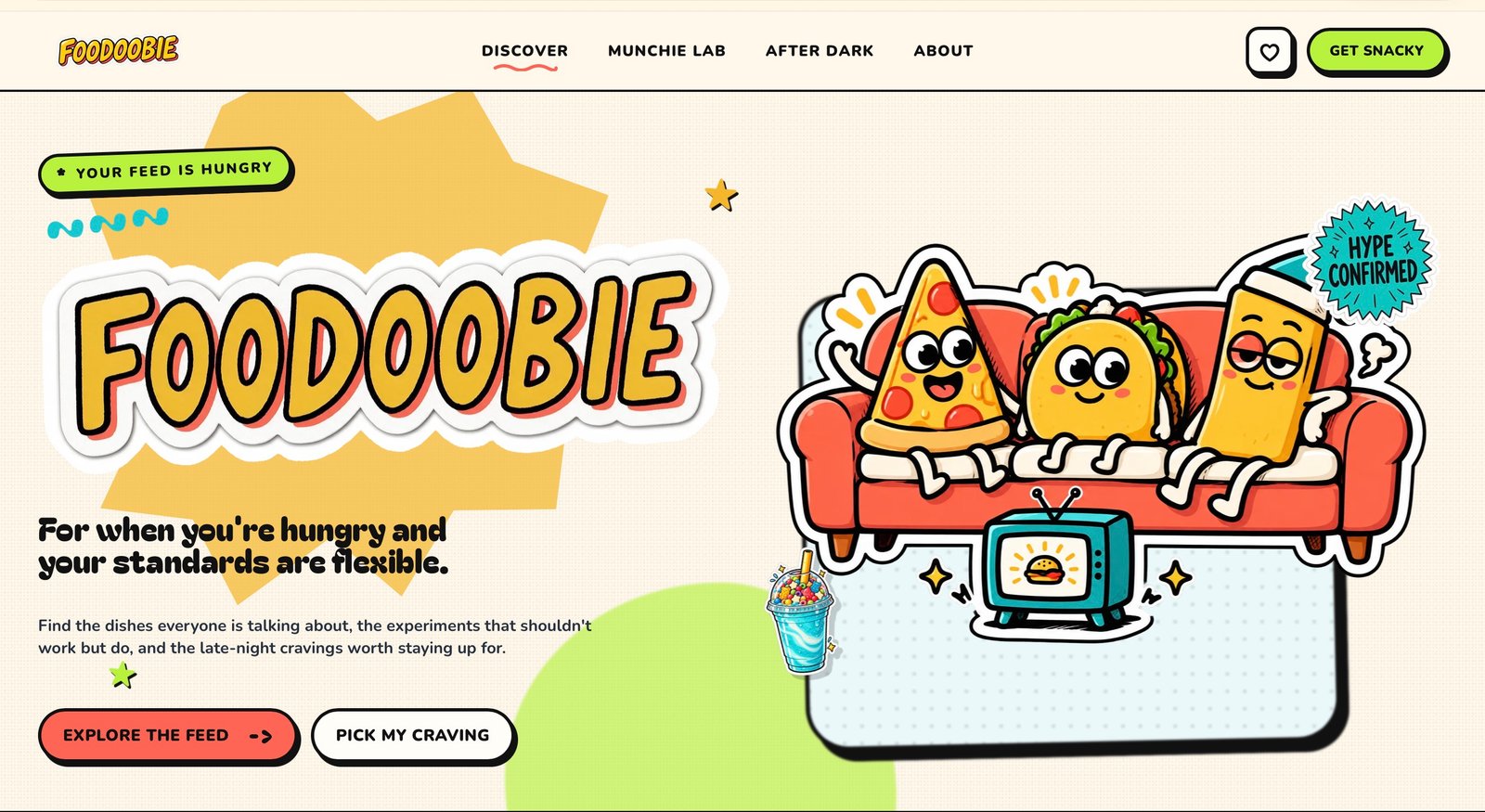 WEIRD FOOD INTERNET
PROJECT 01
Food trends, recipes, experiments, polls, and questionable culinary decisions wrapped into one very strange food website.
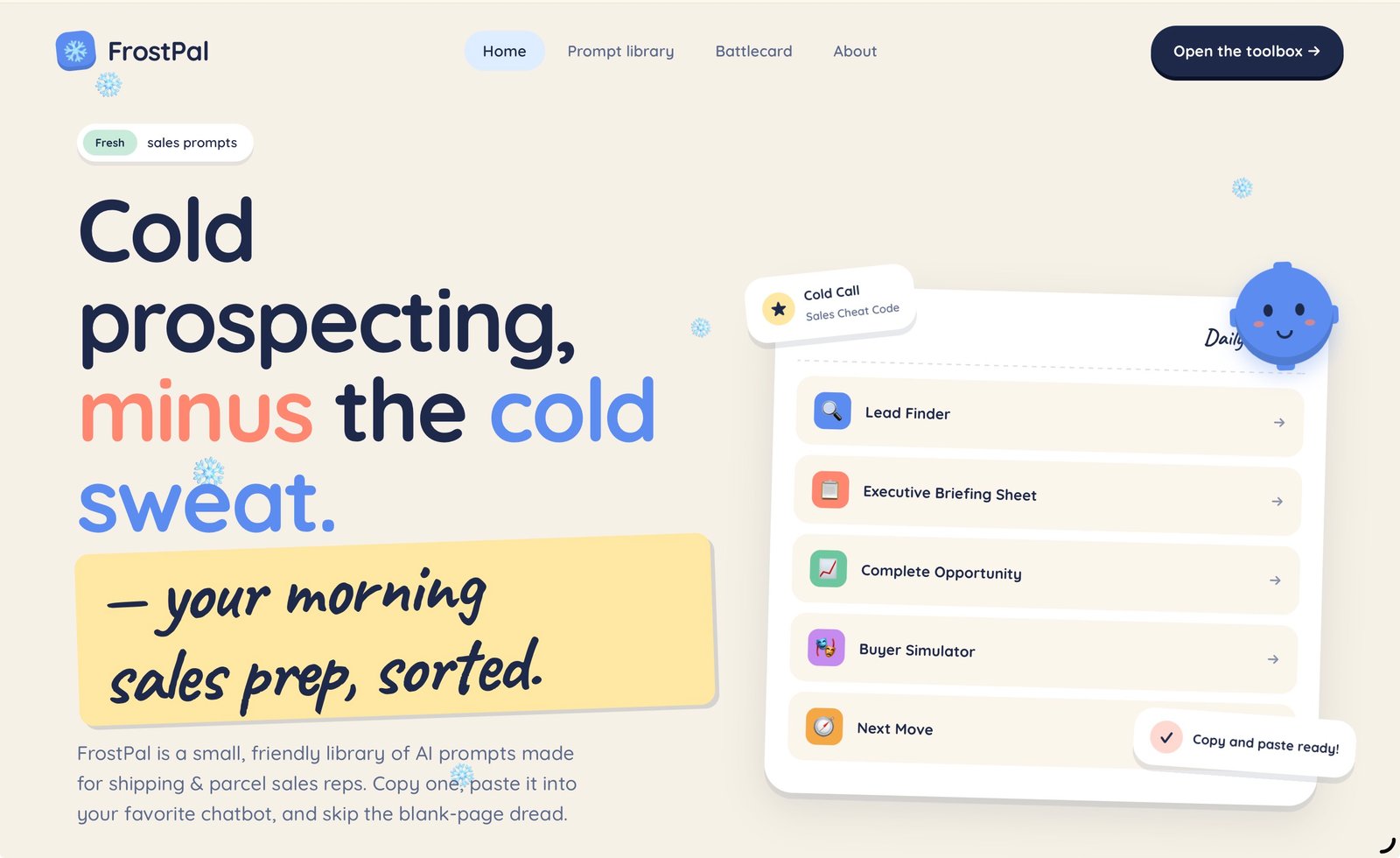 AI TOOLBOX
PROJECT 02
An experiment in turning deep industry knowledge into a useful, friendly collection of AI-powered sales tools.
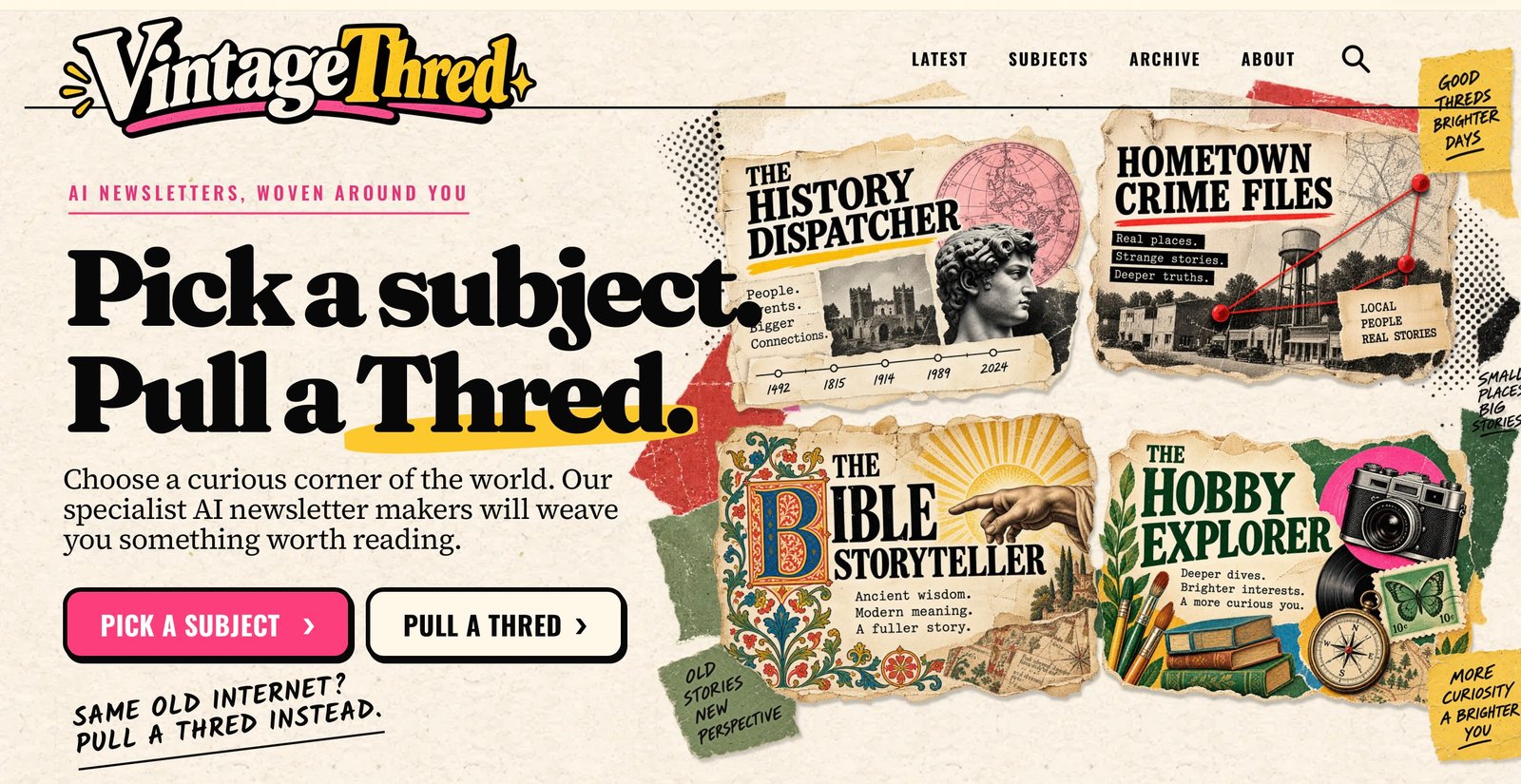 EDITORIAL EXPERIMENT
PROJECT 03
An experimental publication mixing old-school editorial personality with modern AI-assisted publishing.
Some client work.
Some experiments.
All Websting.
A custom website without the giant agency bill, endless meetings, or mysterious process. We combine smart AI tools with actual human design to build something that looks good, works hard, and feels like your business.
Every business is different, so we keep things simple. Start with the website that fits where you are now. Need something unusual? Even better. We'll figure it out together.

For businesses that need a sharp, focused web presence without a bunch of pages.
Starting at
$995
Perfect for startups, side hustles & simple businesses.
A complete small-business website designed around what you actually do.
Starting at
$1,995
Everything you need to look professional, get found, and grow.

Have an idea that doesn't fit neatly into a website package? That's usually where things get interesting.
Let's Talk
Foodoobie-level weirdness welcome.

Small-business websites, one-page sites, landing pages, portfolios, editorial sites, and custom web apps with AI or interactive features baked in. If it lives on the web and needs to look good, we probably build it.
The One-Pager starts at $995, The Business Site at $1,995, and The Weird One is quoted per project. Every quote is fixed up front, with no mysterious hourly bill at the end.
Yes. We use AI for exploration, repetitive work, drafting, coding assistance, and creating variations faster. Strategy, visual direction, decisions, and final polish still come from a human. AI is part of the workshop, not the product.
That's exactly what we're trying to avoid. Every Websting site gets its own visual direction, content decisions, graphics, and details so it feels like your business instead of another generated template.
Absolutely. We can keep what is working, rethink what isn't, and rebuild the site into something clearer, better looking, and much easier to be proud of.
Roughly 2 to 3 weeks for The One-Pager and 4 to 6 weeks for The Business Site. Custom projects vary. You'll get a clear timeline before the project begins.
A conversation about your business, whatever brand materials you already have, and honest feedback as we build. We can help with copy, imagery, structure, and the rest.
That's what unlimited revisions are for. Tell us what feels wrong and we'll keep refining it until the direction feels right.
Yes. We can help write the copy, develop visual concepts, create custom graphics, source imagery, and generate artwork when it makes sense for the project.
Yes. Calculators, generators, AI-powered tools, interactive experiences, custom workflows, and unusual web ideas fit nicely under The Weird One.
We stick around. You can arrange ongoing updates and improvements or simply come back whenever the website needs something new.
No. A project can be built as a lightweight static site, in WordPress, or as a hybrid when that makes sense. The platform follows the job instead of forcing every project into the same setup.
Yes. Hosting, maintenance, updates, improvements, and ongoing support can be included when you want Websting to keep managing the technical side after launch.

GOT AN IDEA BUZZING AROUND?
Whether you need a straightforward business website or something nobody has quite figured out how to describe yet, we'd like to hear about it.
START A PROJECTNo giant pitch deck required. Email directly if you prefer.